



UI/UX design for business systems: building interfaces that reduce friction and improve operational performance
Business systems are only effective when people can use them without friction. A platform can have powerful features, yet still fail operationally if users struggle with navigation, data entry, approvals, or reporting. This is why UI/UX design for business systems is not a “visual layer” — it is a performance layer.
In enterprise environments, design decisions influence process speed, error rates, and adoption. Strong business software interface design makes workflows clear, reduces cognitive load, and turns complex operations into structured steps.
In this guide, we outline the role of enterprise UX strategy, workflow-based design principles, and decision frameworks that help organizations invest in usability with measurable outcomes.
Why UI/UX matters in enterprise and operational systems
The cost of poor usability is rarely tracked directly, but it shows up in daily operations: slow task completion, inconsistent data entry, support overload, training costs, and employee frustration. UI/UX design for business systems focuses on improving system usability optimization across critical workflows.
- Faster task completion with fewer steps
- Lower error rates in data entry and approvals
- Higher adoption across departments
- Clearer reporting and decision visibility
- Reduced training and support dependency
From visuals to workflows: workflow-based design principles
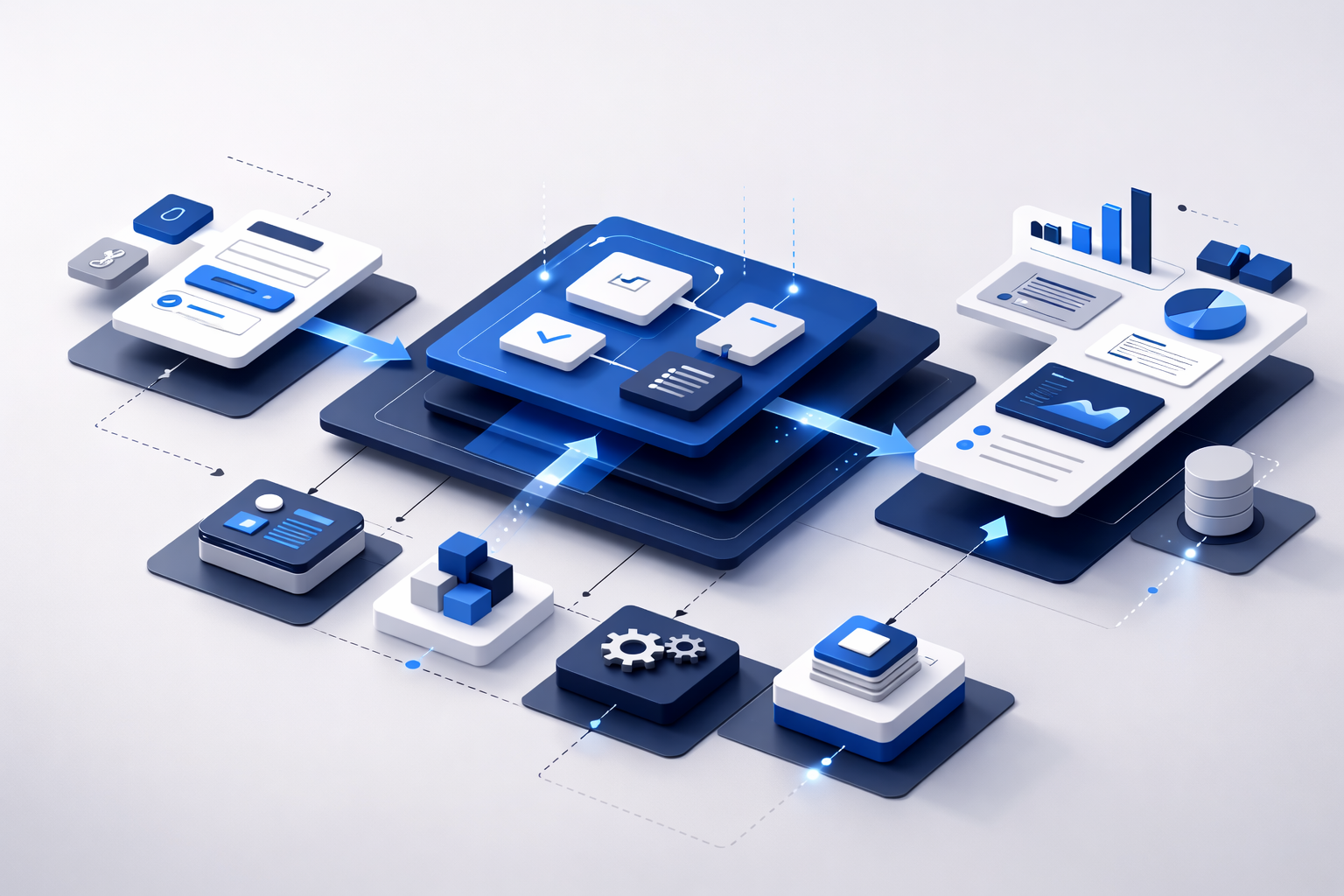
Effective UI/UX design for business systems starts by mapping how work actually moves inside the organization. The interface should reflect operational reality: roles, approvals, exceptions, and the information users need at each stage.
Next, we examine UX for ERP systems and CRM platforms, common design mistakes in dashboards, and a practical decision framework for evaluating interface quality.
UX for ERP systems and CRM platforms
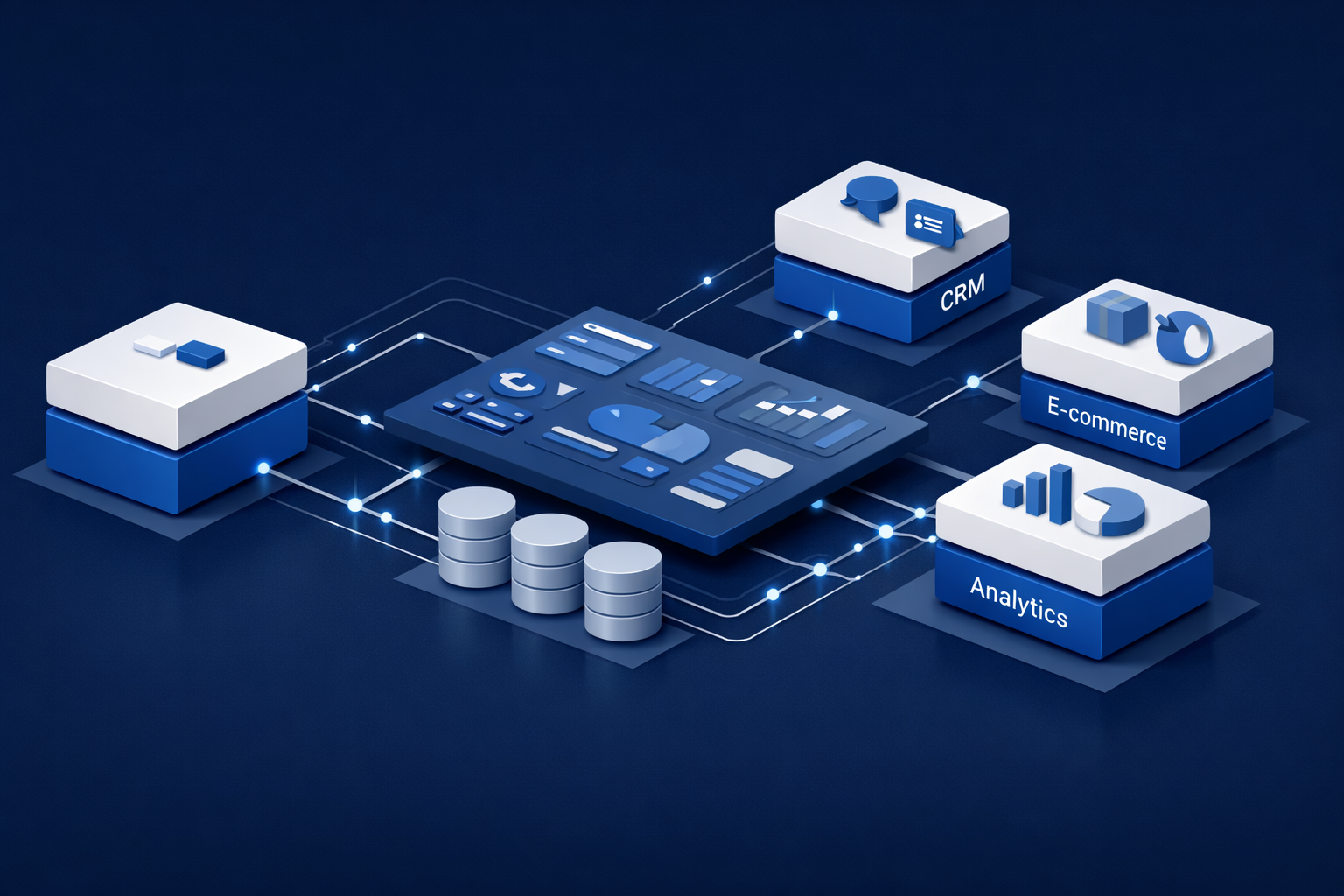
Enterprise platforms such as ERP and CRM systems require structured interaction models. UI/UX design for business systems ensures that complex modules — finance, procurement, inventory, customer records — are organized into logical, role-based interfaces.
When designing UX for ERP systems, the focus is on data density, reporting clarity, and approval chains. Dashboards must present operational KPIs without overwhelming users.
Similarly, UX for CRM platforms prioritizes customer visibility, pipeline clarity, and activity tracking within a simplified interaction flow.
Organizations investing in structured ERP systems in Jordan or advanced CRM systems for companies in Jordan benefit significantly when interface strategy is embedded from the beginning.
Dashboard design and data hierarchy
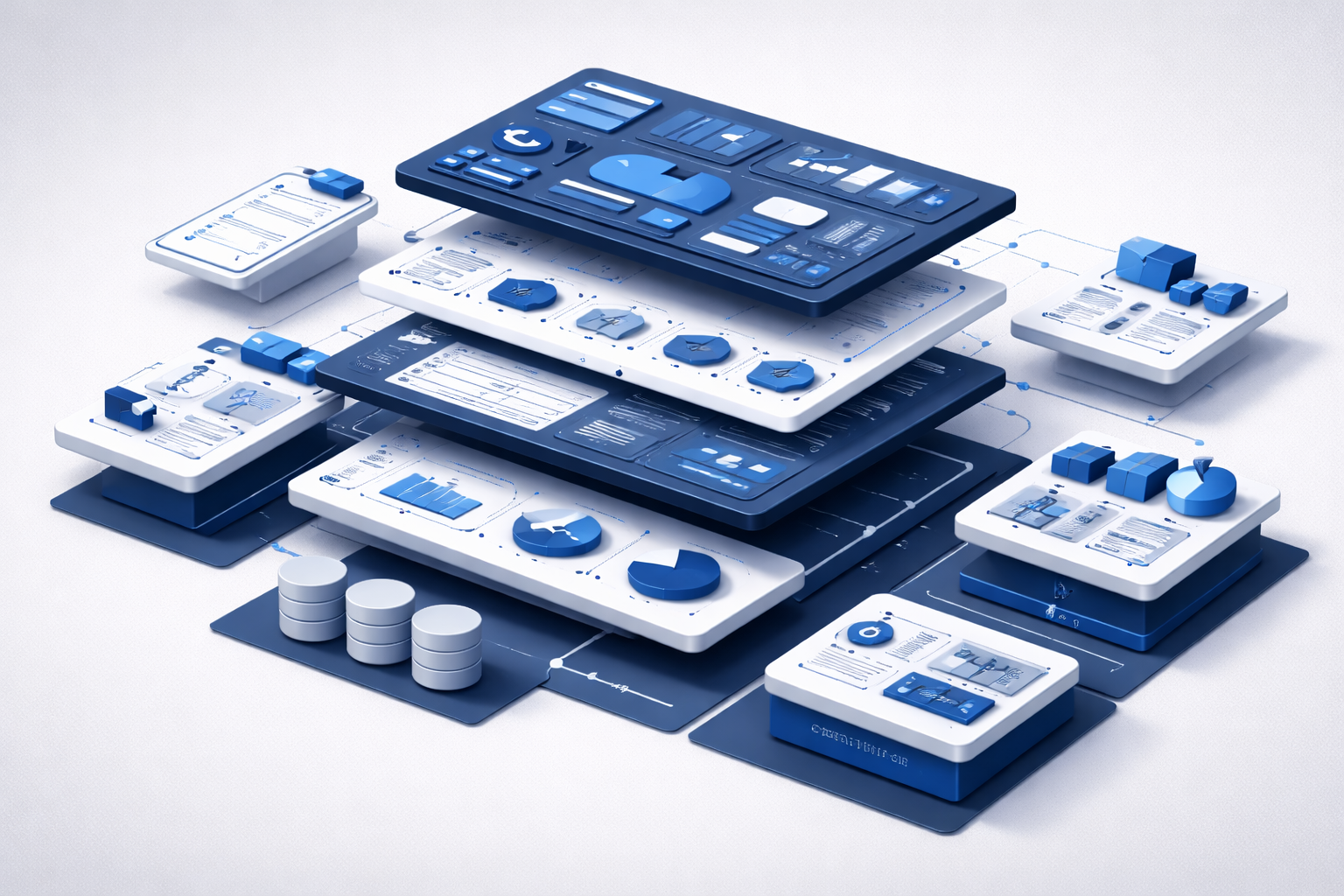
One of the most critical components of business software interface design is the dashboard. A dashboard is not a collection of widgets — it is a decision surface.
- Primary KPIs must be visually dominant
- Secondary metrics should be layered logically
- Alerts and exceptions must stand out
- Navigation should reflect organizational roles
- Filtering must be intuitive and fast
Strong UI design for dashboards reduces time spent searching for information and increases clarity during executive decision-making.
Common mistakes in enterprise interface projects
Even technically strong systems can underperform when usability is overlooked. Poor UI/UX design for business systems often results from these mistakes:
- Designing for aesthetics rather than workflow clarity
- Overloading dashboards with unnecessary data
- Ignoring user role differentiation
- Failing to test real operational scenarios
- Copying consumer UI patterns into enterprise systems
In the final section, we outline a practical decision framework for evaluating enterprise UX strategy and improving long-term system performance.
Enterprise UX decision framework
Before investing in UI/UX design for business systems, organizations should evaluate usability from a structured perspective rather than relying on visual impressions alone.
A practical enterprise UX strategy framework includes:
- Mapping real workflows before interface design begins
- Identifying user roles and permission hierarchies
- Prioritizing high-impact operational tasks
- Testing interface clarity with real internal users
- Measuring performance improvements after deployment
When usability is aligned with system architecture, UI/UX design for business systems becomes a strategic investment that improves adoption, reduces friction, and increases operational efficiency.
Aligning UX with development architecture
Usability decisions should not be separated from development planning. When aligned with structured Web development in Jordan frameworks, interface strategy integrates seamlessly with backend logic, APIs, and performance requirements.
Companies reviewing our services or analyzing our projects often identify opportunities to refine existing interfaces or redesign enterprise dashboards for better clarity.
When usability improvements are paired with digital growth strategies — particularly those guided by experienced partners such as Dot Media — organizations maximize long-term system value.
Contact our team to evaluate your business system UX strategy
Frequently Asked Questions About UI/UX Design for Business Systems
What is UI/UX design for business systems?
UI/UX design for business systems focuses on improving usability, workflow clarity, and operational efficiency within enterprise software environments.
Why is UX important in ERP and CRM platforms?
UX for ERP systems and CRM platforms ensures that complex data structures are presented clearly, reducing errors and improving adoption across departments.
How does dashboard design impact performance?
Strong UI design for dashboards prioritizes key metrics, simplifies navigation, and enables faster decision-making within enterprise environments.
Can UX redesign improve existing business systems?
Yes, system usability optimization can significantly enhance efficiency, reduce friction, and improve long-term return on enterprise software investments.
